
New in TYPO3 12
Our TYPO3 installation has been updated to version 12. On this page you can find out what new features and changes are associated with this.

TYPO3 is continuously developed by a large community. This includes both technical innovations and regular security updates that close known vulnerabilities in the system.
TU Dortmund University's TYPO3 installation has now been updated to version 12. This ensures that all TYPO3 sites continue to correspond to the current technical status and that security-relevant gaps can be promptly remedied by appropriate patches.
On this page you will find all important information on the relevant new features.
Changes and innovations
Optimized rich text editor
The CKEditor has been updated to version 5 and presents itself with a clear, tidy user interface. Editing links and tables is now much more intuitive: clear context menus and visual aids make work easier and ensure greater security when designing content.

Headings are now highlighted using the "Paragraph" drop-down menu.

In some places, functions have been moved to context menus that open as an overlay. This is the case, for example, when subsequently editing links or when working with tables.
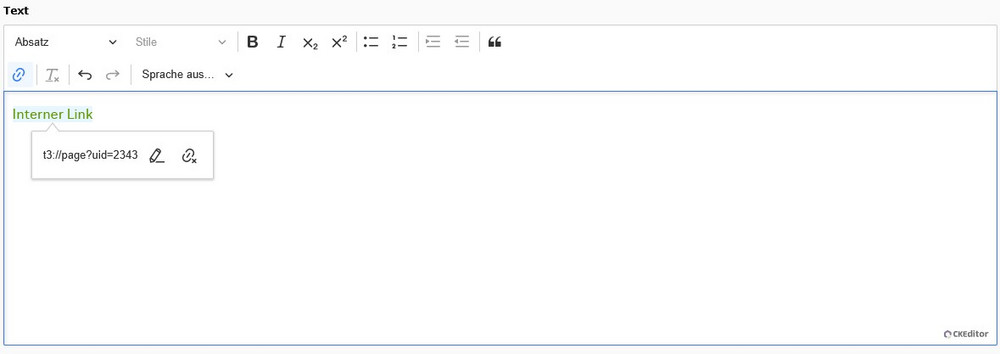
If you hover over a table with the mouse, a yellow frame with additional functions is displayed. You can use the arrow icons at the top and bottom of the frame to move the cursor to the row before or after the table. The icon in the top left-hand corner is used to move the entire table using drag & drop.
The labeling of the header row or header column has also changed. You can find out more about this on the responsive tables topic page.
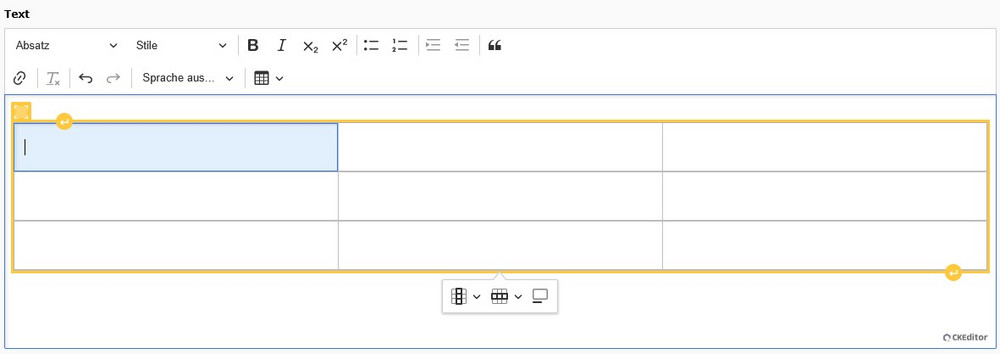
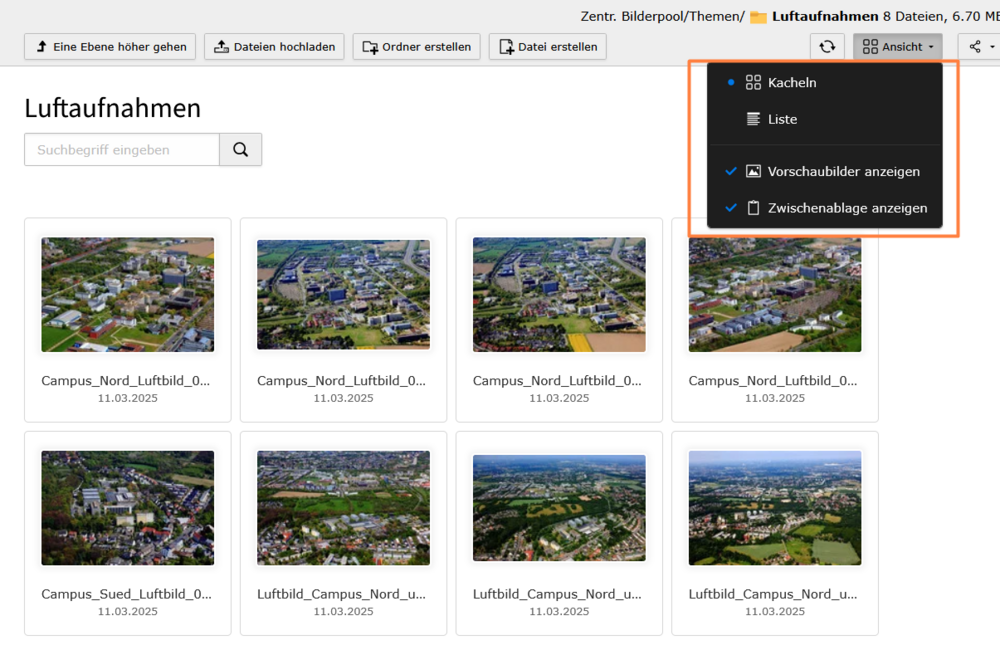
Improved preview in file list
The file list now offers extended preview options: In addition to the classic list view, a tile view is now also available. This view provides a much better overview, especially for images.
It is now also possible to move files and folders using drag & drop - both within the workspace and in the interaction between the workspace and file tree.

Modernized backend design
TYPO3 12 introduces a modernized and intuitive backend design. The entire backend appears lighter and now even more "from a single source". As a result, it offers optimized user guidance, which further increases accessibility.
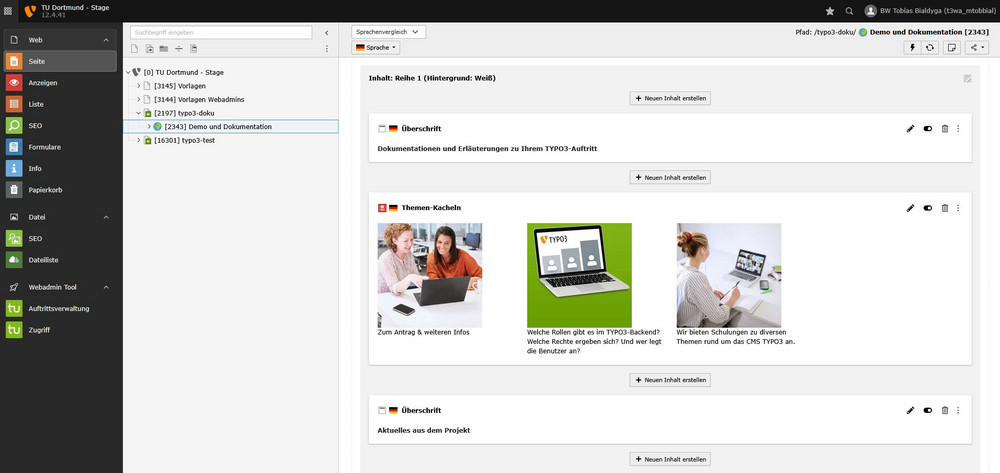
To see both languages in SingleTree sites or to translate a page, switch to the "Language comparison" view in TYPO3 12. In this view, a language switcher is then displayed at the top of the workspace (see comparison between TYPO3 v11 and TYPO3 v12 on the right).

Some familiar features (search, depth, show clipboard, show preview images (file list)) are now hidden in the start menu.
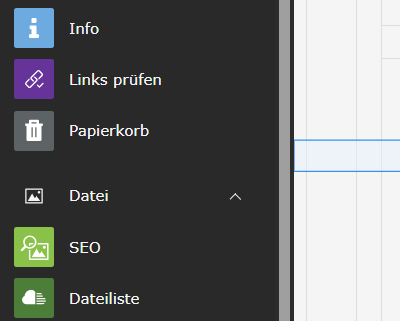
The link validator is now encapsulated in its own "Check links" module and is no longer accessible via the "Info" module.
Many technical improvements
TYPO3 12 brings many technical improvements in the background that make everyday editorial work noticeably easier: The system works even more reliably and stably and is optimally adapted to modern browsers and devices. This makes working in the backend smoother and more reliable.
If you have any questions about new functions or about working with TYPO3 in general, please visit us at our TYPO3 Café. This takes place every Wednesday from 9 to 10 a.m. via Zoom.
In case of technical problems, please open a ticket at the ServiceDesk with the subject "TYPO3".